That is the whole post. The rest is examples.
The stutter was in a gate, and the gate was backwards
The board stuttered on close shots, and the first suspicion was the usual one: too much being drawn, so start cutting things.
The actual cause was a single conditional. A depth effect was switched on for close shots and off for wide ones. Close shots are the expensive frames. It had been written the right way round for how the code reads and the wrong way round for how the board runs.
Reading that line tells you nothing — it is a legal, sensible-looking line. Watching the frame rate fall as the camera pushes in tells you exactly where it lives.
The fix was to stop asking for that effect during the flythrough at all. That is a trade, not a free win: the presentation camera gives up some depth to hold its frame rate.
The glow was sitting on top of everything
Light from the traces was showing through the chips, which is not a thing light does.
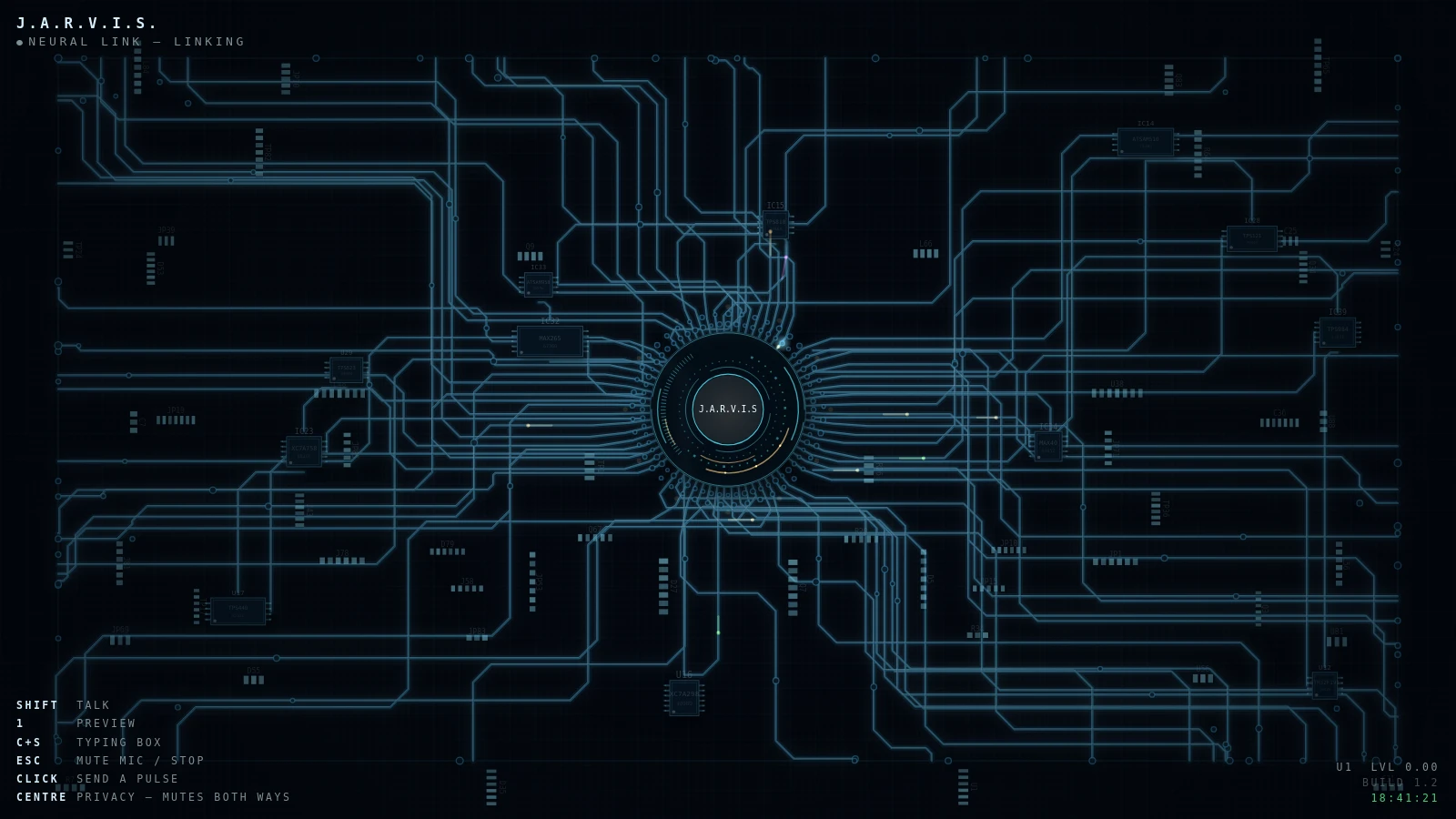
The traces were innocent. They had always been drawn underneath the components. The light layer was the problem — it was composited across the whole board at the end, chips included, so it lit things it was physically behind.
The fix is a hole. The component footprints are punched out of the glow layer once, when the board loads, rather than reasoned about every frame.

Seventy-six things that looked like readouts
A board should look dense. The cheap way to get density is to draw more components, and that is what had happened — seventy-six of them that looked like they ought to be doing something and never did.
They are gone. Something on a screen that appears to be reporting a value and is reporting nothing is a small lie told to every viewer, on every frame.
Forty-eight pad clusters stayed, deliberately. Taking those out as well gutted the density the board is meant to have — and a pad does not pretend to be a readout. It is texture, and texture is honest as long as everyone knows that is what it is.
The same pass fixed the traces. Every one now terminates on a real pad inside a landing strip, instead of running off the edge into nothing.
One more, in a sentence: the presentation camera stays on the board now, instead of drifting into empty space at the end of its run.
How to find these in your own build
None of this needed a profiler or a debugger. It needed somebody to look at the thing instead of at the code — which is harder than it sounds, because reading the source is faster and it feels like the same activity.
The prompt below runs that pass on a single-file canvas visualizer you already have. It looks before it reads, reports what it found, and waits for your word before it changes a line.
The part that does the work is a tagging rule. Every finding has to say how it is knowable: seen, and name the observation; seen with setup, and name the setup; or read only — invisible by construction, like a status badge wired to a flag nothing ever writes. That last kind is the worst, not the weakest. Nobody will ever report it, so it lives in your file forever. A finding that fits none of the three is not a finding. It is a plausible explanation, and the prompt makes it say so.
If you are starting from nothing rather than fixing something, the original build brief is on the v1 post.